
You can add the number and set the display limits as per your requirement.
- Go to the Metadate Search Tab and click on the Setting icon
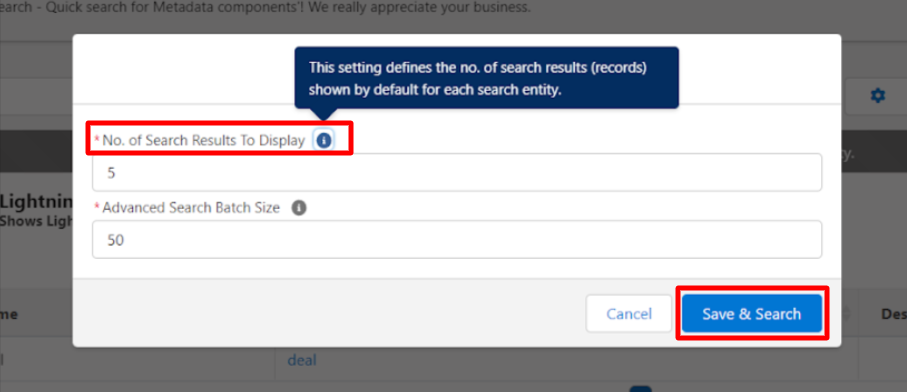
- The below screen will appear to add a number in the “No. of Search Results To Display” field and click on the Save & Search Button

PS: View Metadata Search, Salesforce quick search app on Salesforce AppExchange: https://appexchange.salesforce.com/appxListingDetail?listingId=a0N30000009wgF7EAI