Logo

Satrang Technologies

Welcome
Login  Sign up
Home Solutions
New support ticket
Check ticket status
+919820436966
Solution home Metadata Search FAQs

How to open the Metadata Search app in Salesforce Lightning? Print

Modified on: Mon, 9 Feb, 2026 at 4:32 PM


To open the Metadata Search app in the Salesforce lightning - 

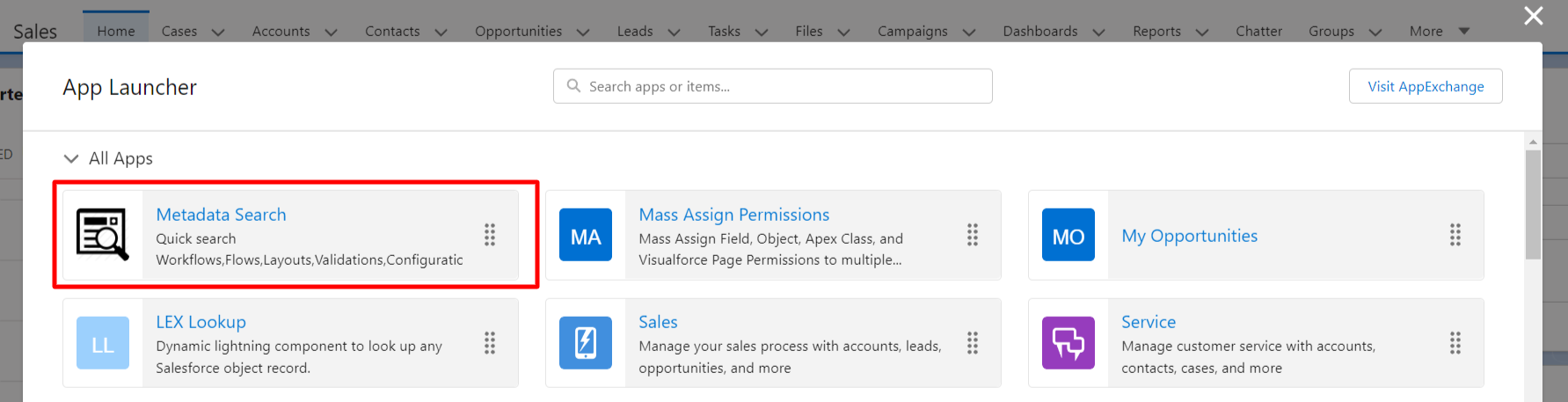
  • Click on the App Launcher.
  • Search for "Metadata Search"
  • User should see the Metadata Search App, click on the same.
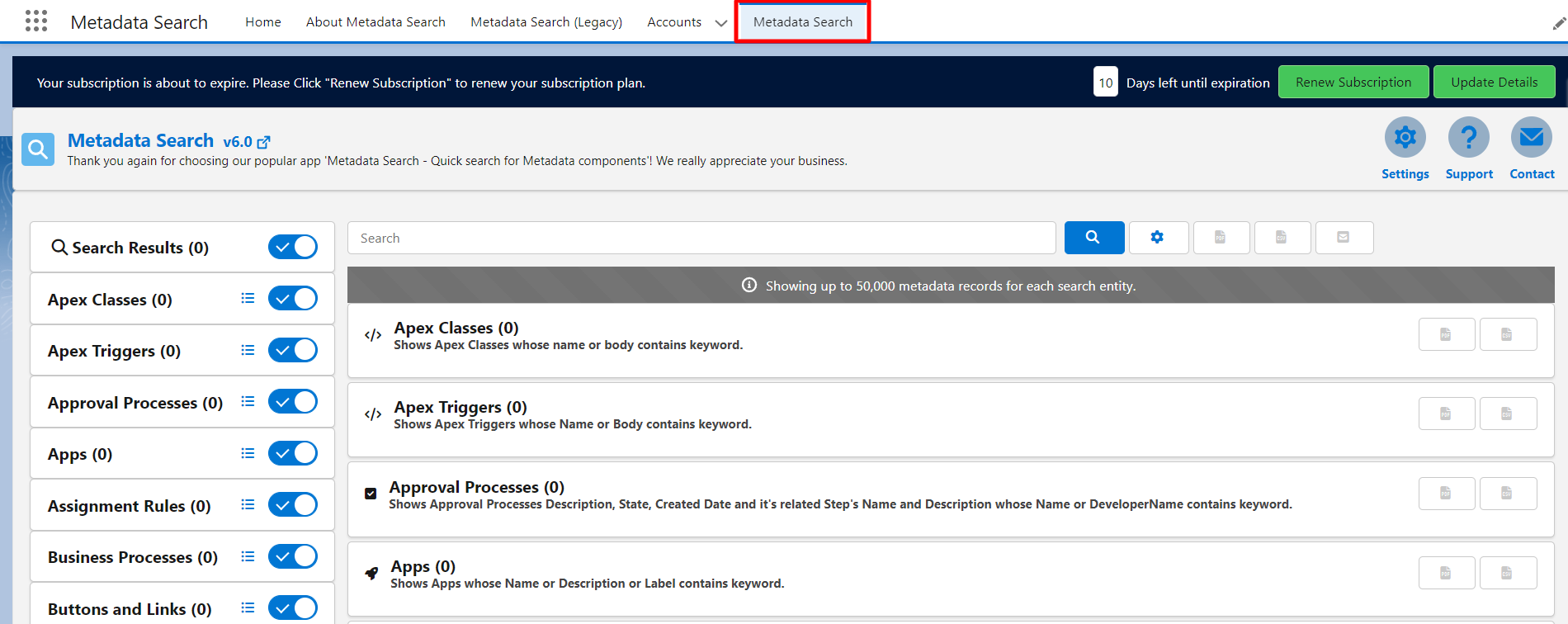
  • Metadata Search app is open. Now you can use this.

PS: View Metadata Search, Salesforce quick search app on Salesforce AppExchange: https://appexchange.salesforce.com/appxListingDetail?listingId=a0N30000009wgF7EAI


Did you find it helpful? Yes No

Send feedback
Sorry we couldn't be helpful. Help us improve this article with your feedback.

Related Articles

    Home Solutions Cookie policy
    Help Desk Software by Freshdesk
    Article views count