
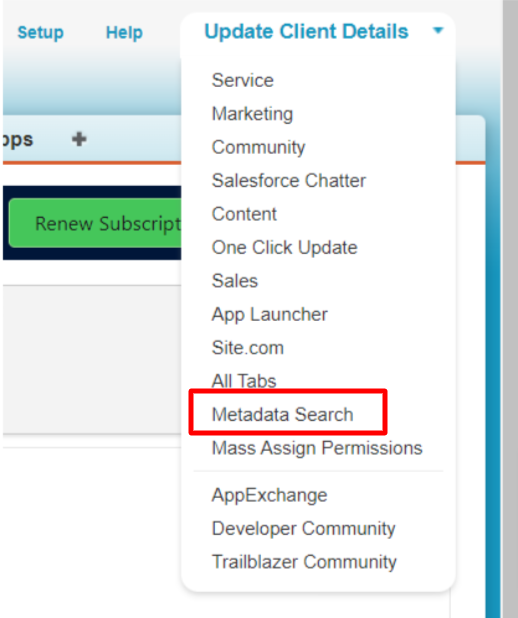
Click on the drop-down tab of the App Menu on the right side of the page and select Metadata Search.
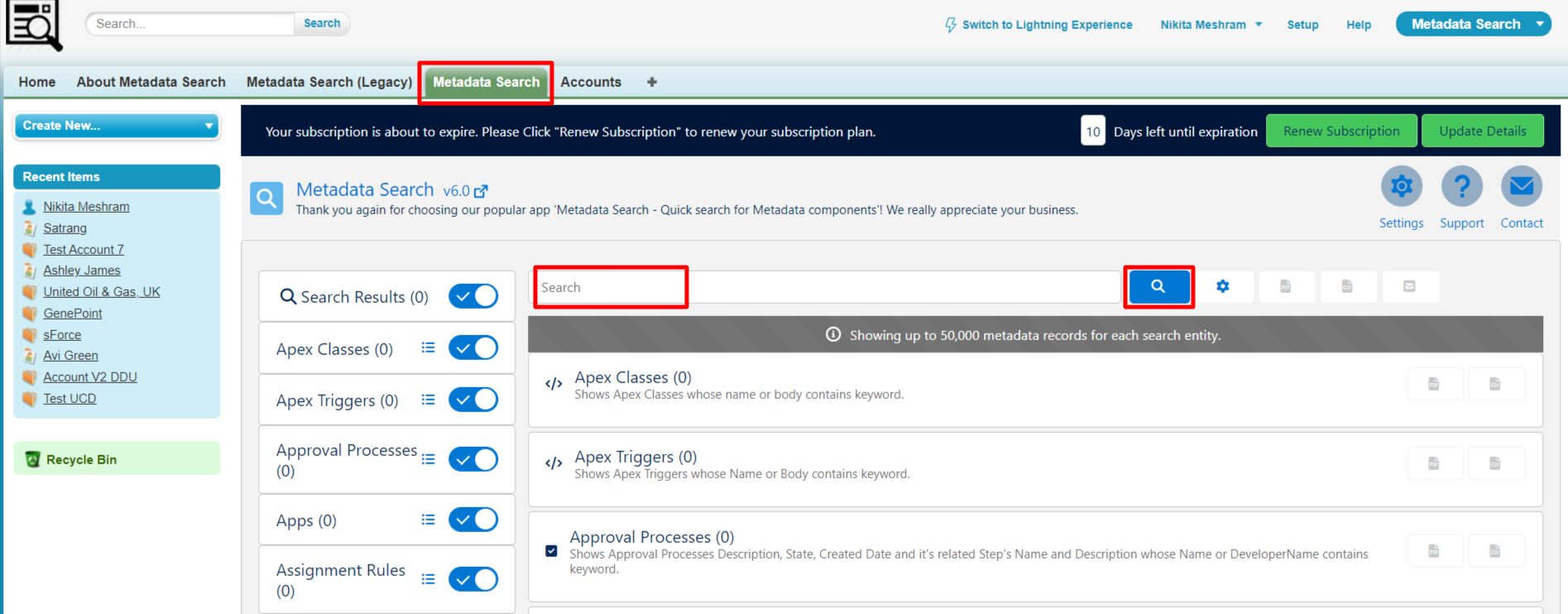
After clicking Metadata Search, the Metadata Search app will open as shown in the image here, enter a keyword, and hit the Search button to check the results.
PS: View Metadata Search, Salesforce quick search app on Salesforce AppExchange: https://appexchange.salesforce.com/appxListingDetail?listingId=a0N30000009wgF7EAI