
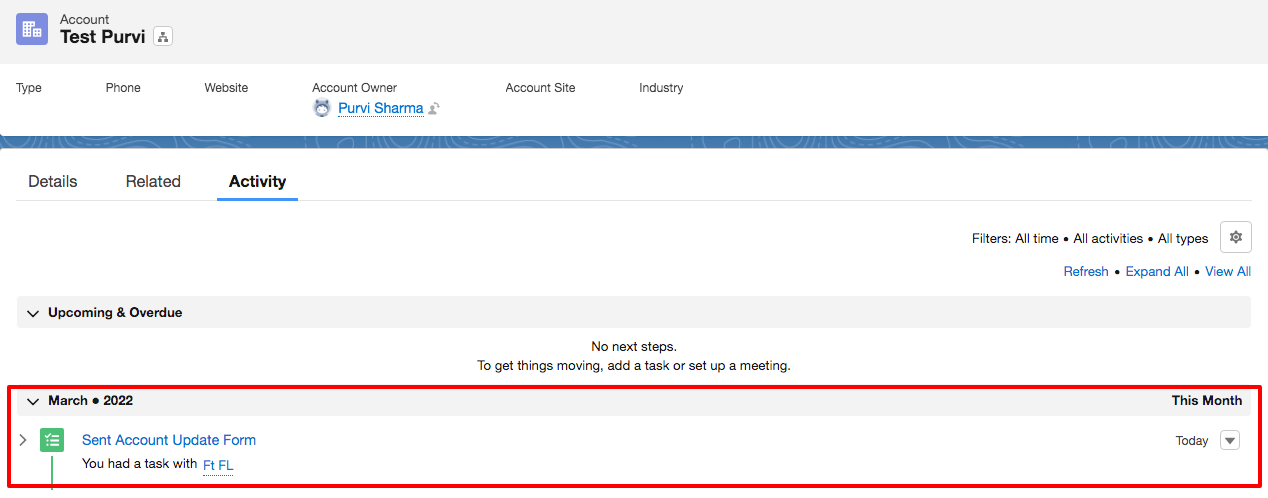
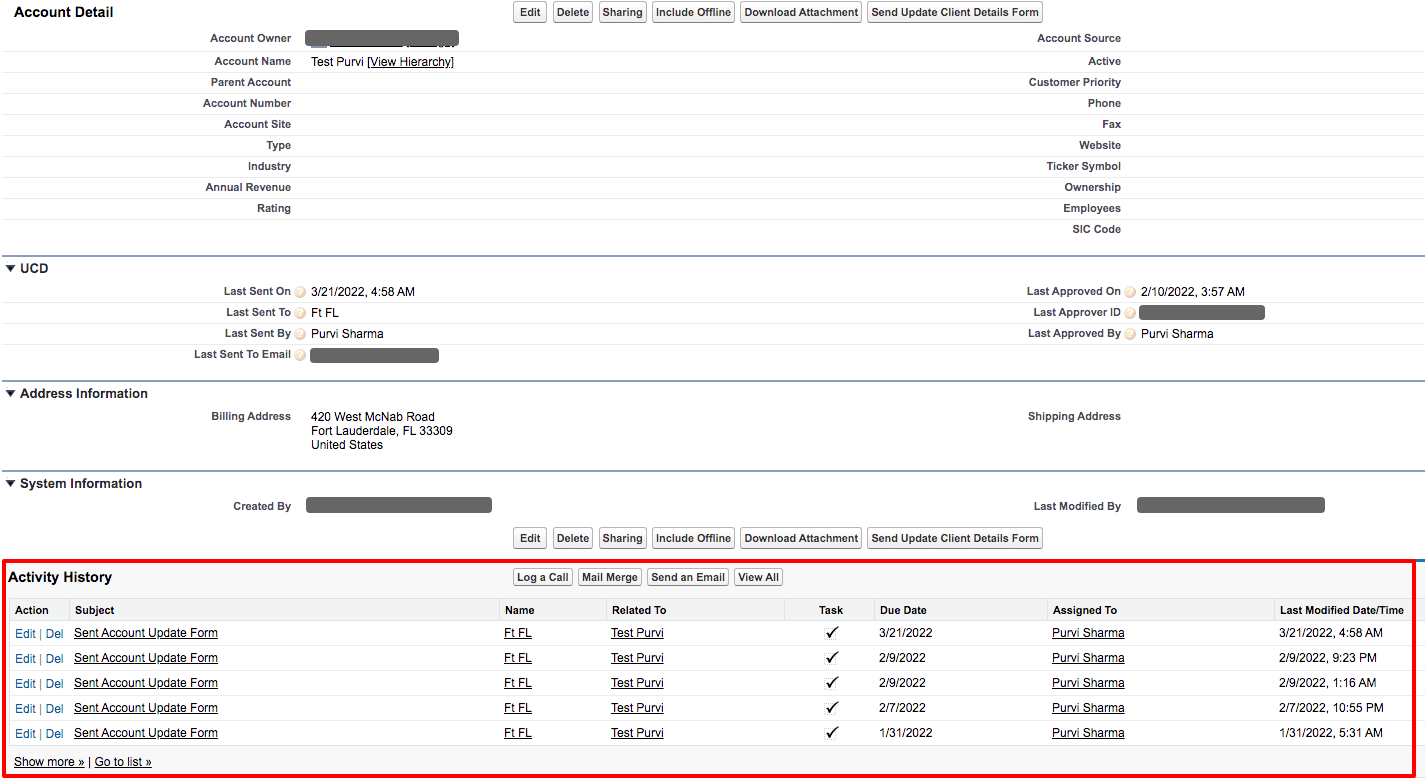
When an email is sent to the related contact, the Update Client Details app creates a task that is also added to the activity history of the account, as shown in the image below.
In Lightning -
 In Classic -
Additionally, there are the managed fields of the Update Client Details app on the Account object, which get updated when an email is sent to the account, as shown below-
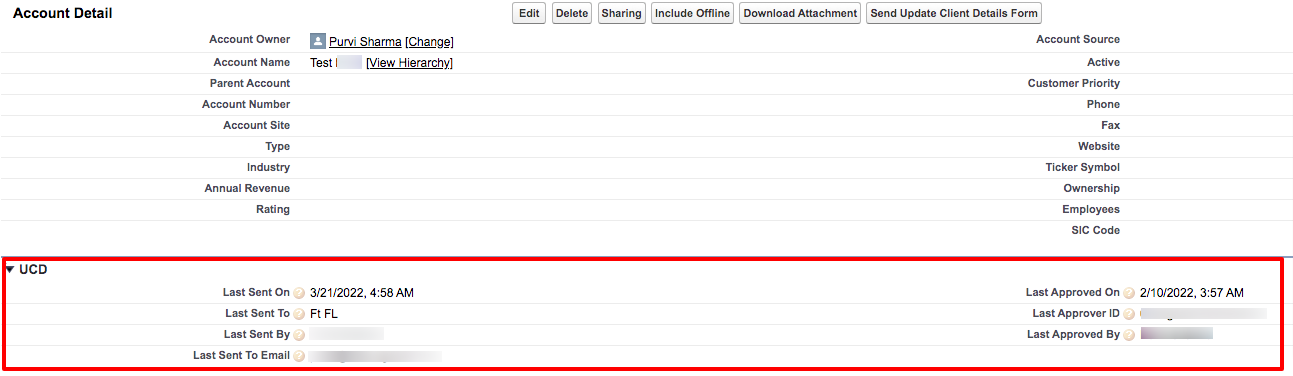
This helps you to keep track of when the account has received the form previously and by which e-mail. You can add these fields into your account layout for better understanding.
P.S. Discover Update Client Details, the easy way to keep client information up to date in Salesforce. Find it on AppExchange - https://appexchange.salesforce.com/appxListingDetail?listingId=a0N3A00000EcsATUAZ