
You can disconnect Mass File Migrate from your connected Production/Sandbox org at any time. Follow these steps:
- Navigate to the Mass File Migrate app and select the "Mass File Migrate" tab.
- On this page, click on "Disconnect."

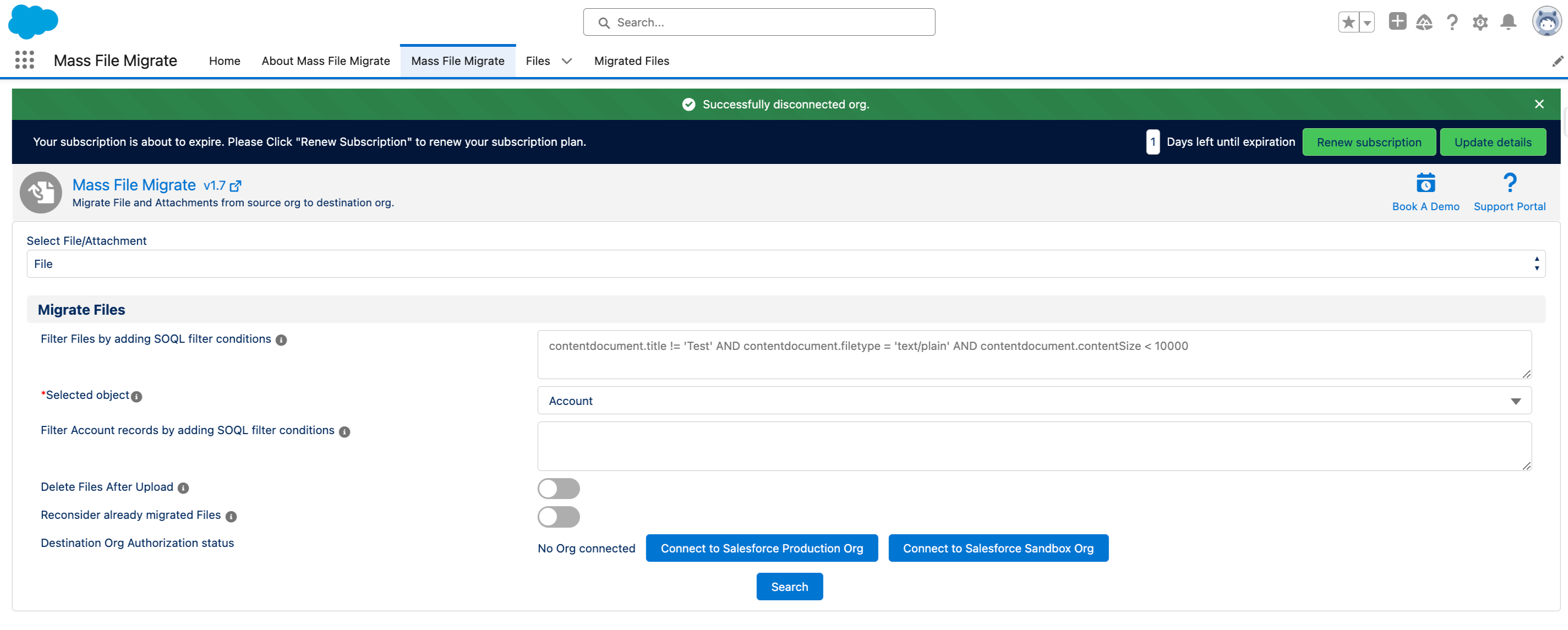
- Upon successful disconnection, you will receive a confirmation message on the screen.
PS: View Mass File Migrate Salesforce file migration app on Salesforce AppExchange:
https://appexchange.salesforce.com/appxListingDetail?listingId=e9874a66-2001-4e3d-8a29-3a2ed7f584c4