
This error occurs if you have selected too many objects in the "Select Object" section on the "Migrate Real-Time" tab while the "Allow Orphan Cloud Document Creation" toggle is enabled. The error indicates that the combined string length of the selected objects exceeds the supported limit.
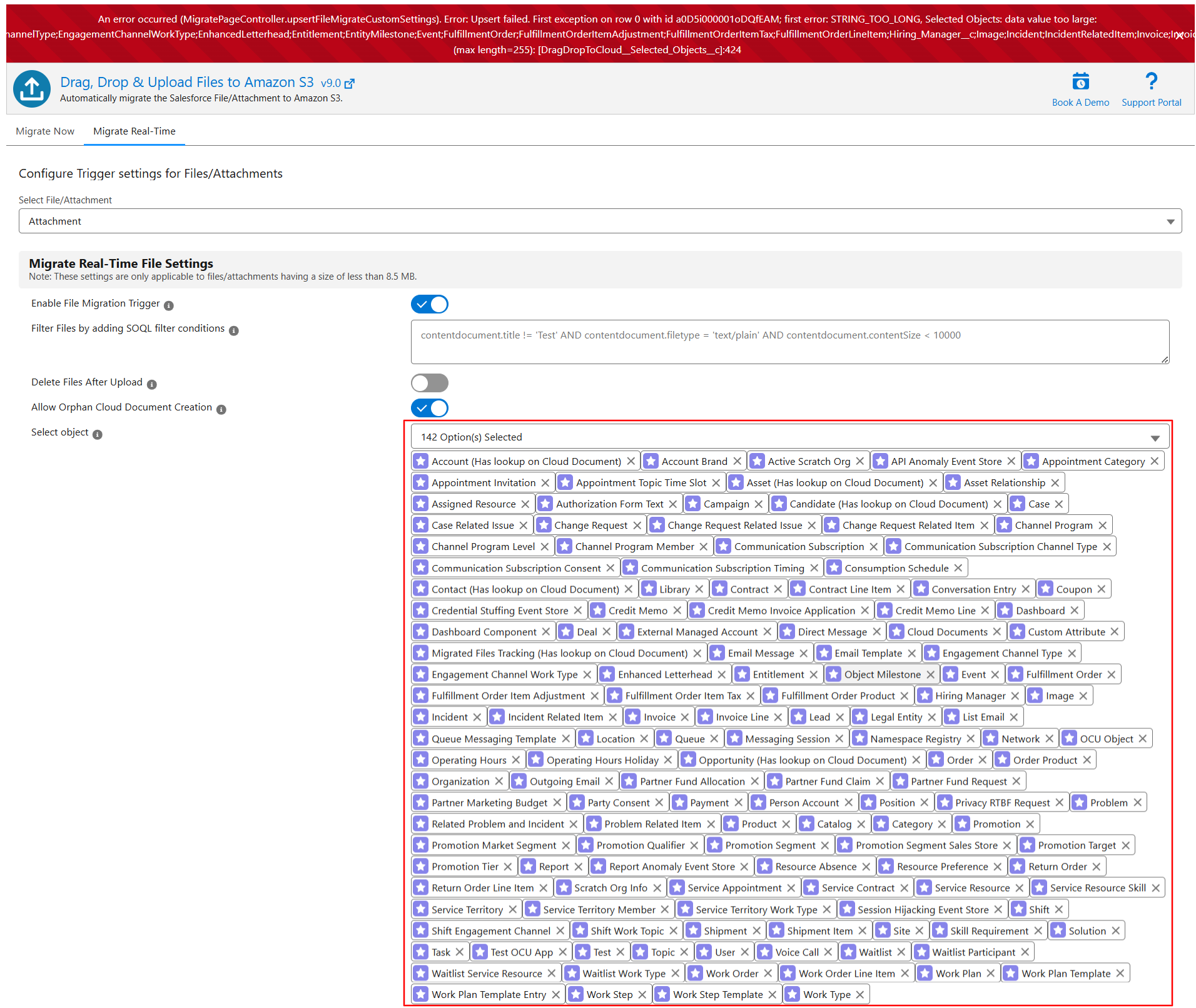
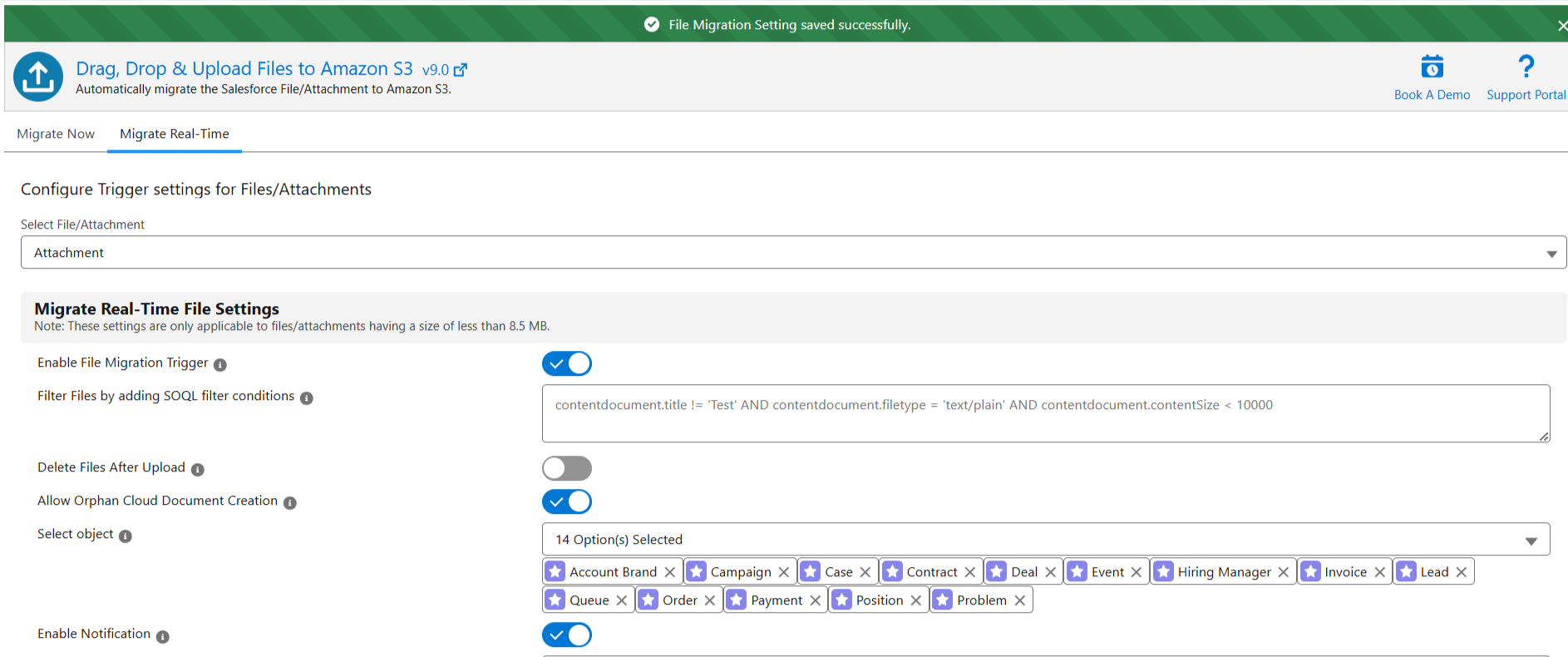
To avoid this issue, limit your selection to 8–10 objects for the real-time file/attachment migration when dealing with orphan files/attachments. However, the total number of objects you can select depends on the length of the object names. If the object names are shorter, you may be able to select 15–25 objects without encountering this error.
PS: View Drag, Drop & Upload Files to Amazon S3, a Salesforce AppExchange app for moving files from Salesforce to Amazon S3: https://appexchange.salesforce.com/appxListingDetail?listingId=a0N3000000B5ZPqEAN