
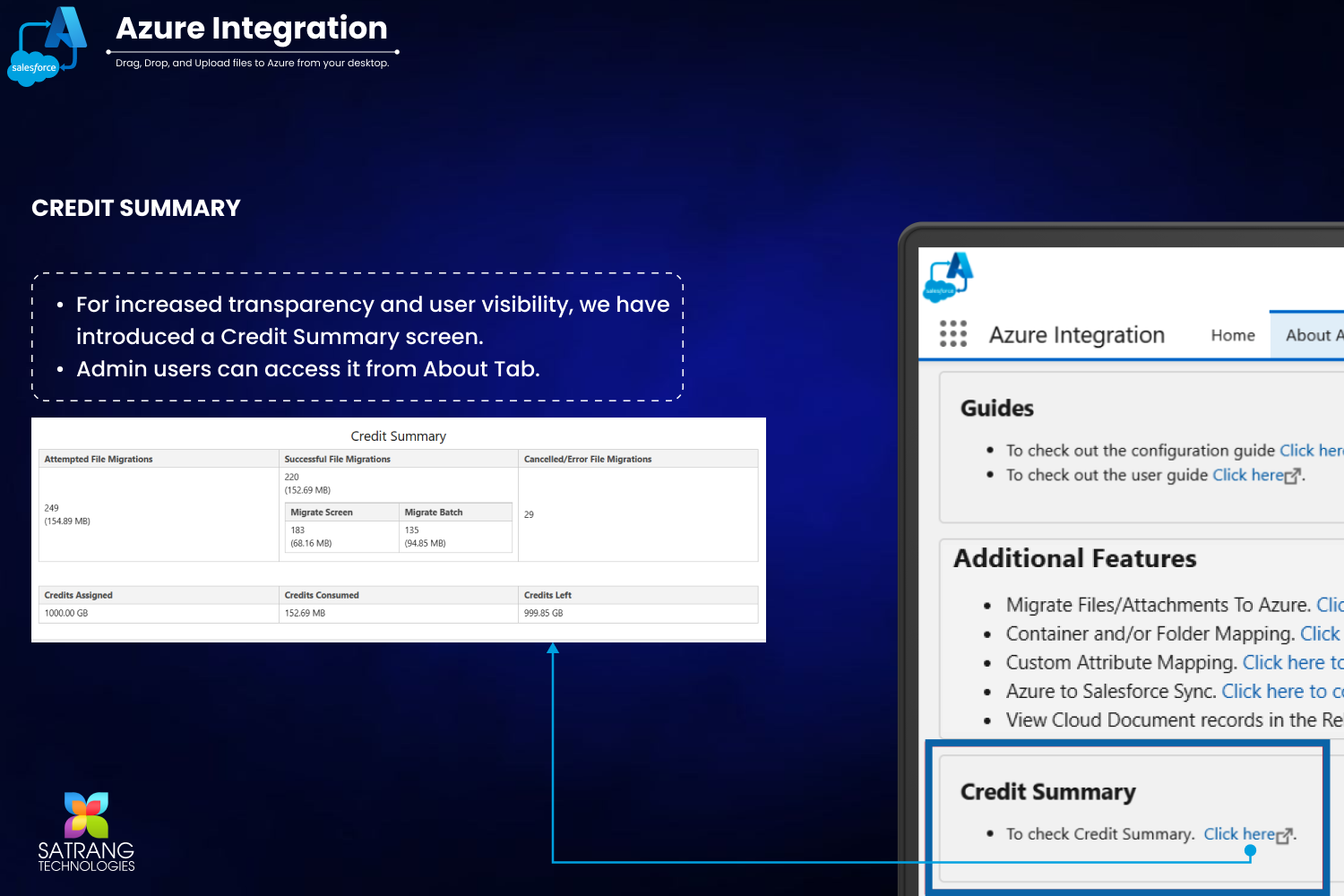
Admin users can check their credit usage and remaining credits on the Credit Summary screen. This screen provides a detailed breakdown of the total credits, used credits, and available balance. It can be accessed from the "About Azure Integration" screen. It gives better visibility and transparency.
Go to the "About Azure Integration" tab, scroll down, and click on the "Credit Summary."
This will open in a new window and display the details.
P.S. Discover Azure Integration, the easy way to upload files from any Salesforce record to Azure. Find it on AppExchange: https://appexchange.salesforce.com/appxListingDetail?listingId=c9e71bd6-5bab-4182-a461-b82d4f971183