
The S3–Salesforce sync setup is now simplified. Refer to this Configuration Guide for detailed steps:
Salesforce AppExchange App: Drag Drop and Upload Files to Amazon S3 : Guide for Amazon S3 to Salesforce Sync Feature
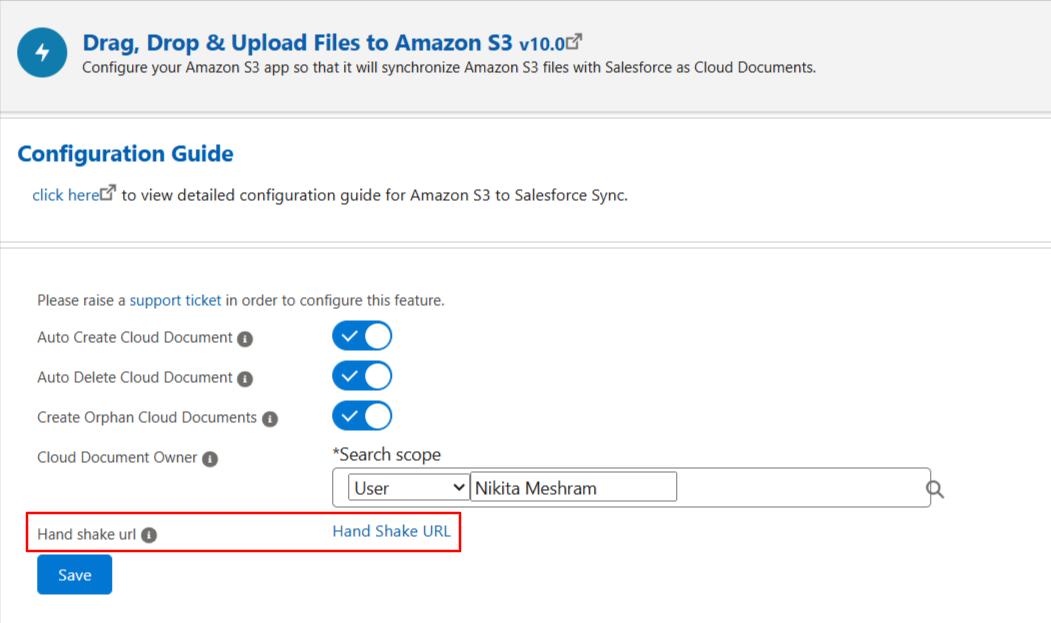
Just click the Handshake URL available on the configuration screen to establish the connection. There is no need to follow the debug log steps anymore; it’s much more user-friendly now, and no technical assistance is required.
If you face any issues, you can still raise a support ticket.
PS: View Drag, Drop & Upload Files to Amazon S3, a Salesforce AppExchange app for moving files from Salesforce to Amazon S3: https://appexchange.salesforce.com/appxListingDetail?listingId=a0N3000000B5ZPqEAN