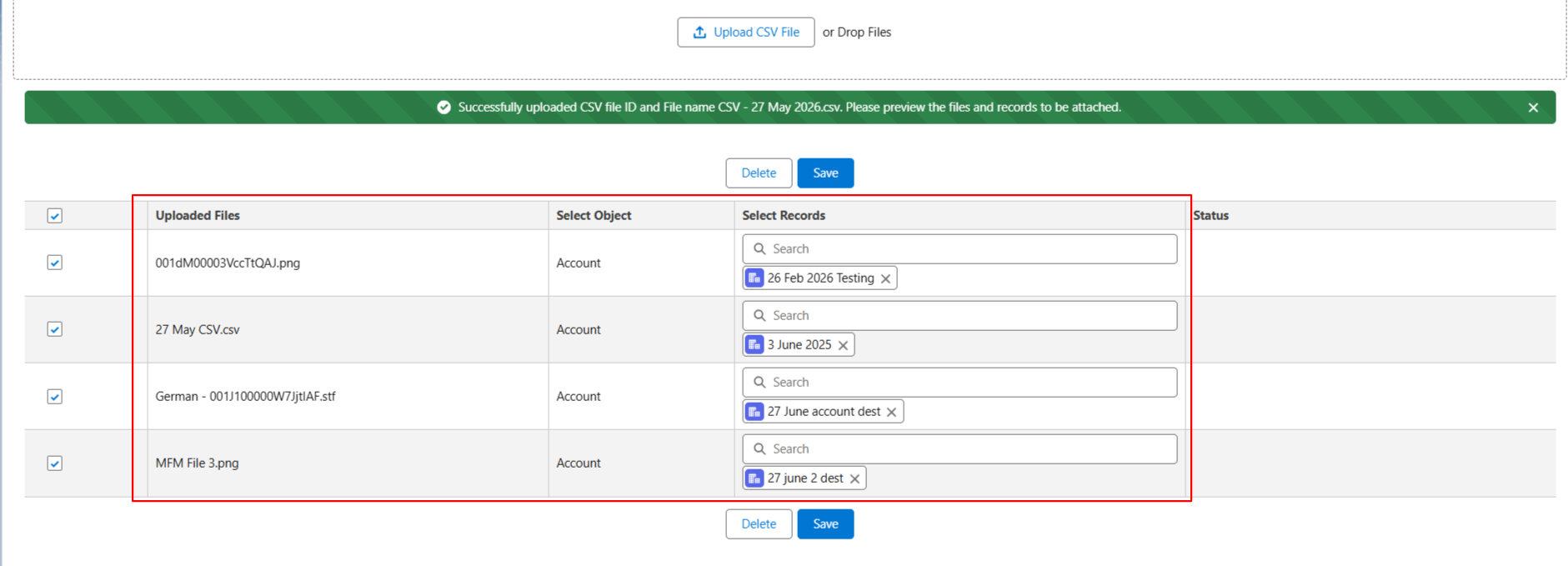
When the “Enable Partial File Name Match” option is turned ON, users can upload a CSV file that contains file names that may not exactly match the uploaded file names.
The system will automatically try to identify and map the correct uploaded file based on a partial file name match. This helps reduce manual effort when file names in the CSV are slightly different from the actual uploaded file names.
Example:
1. Go to the Mass File Upload tab.
2. Click on the CSV tab. When the warning window appears, click OK.
3. Now select files. or Attachment from the 'Select File/Attachment' drop-down
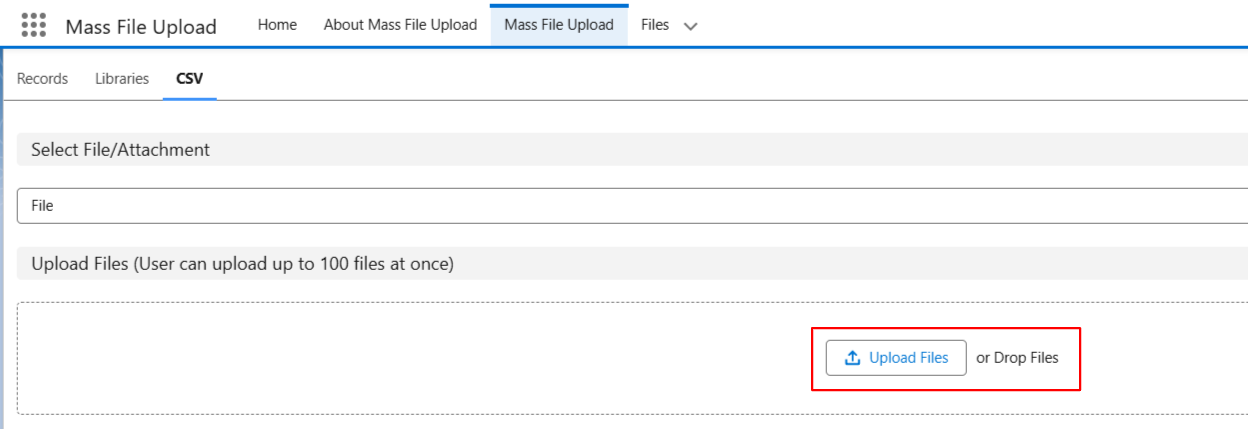
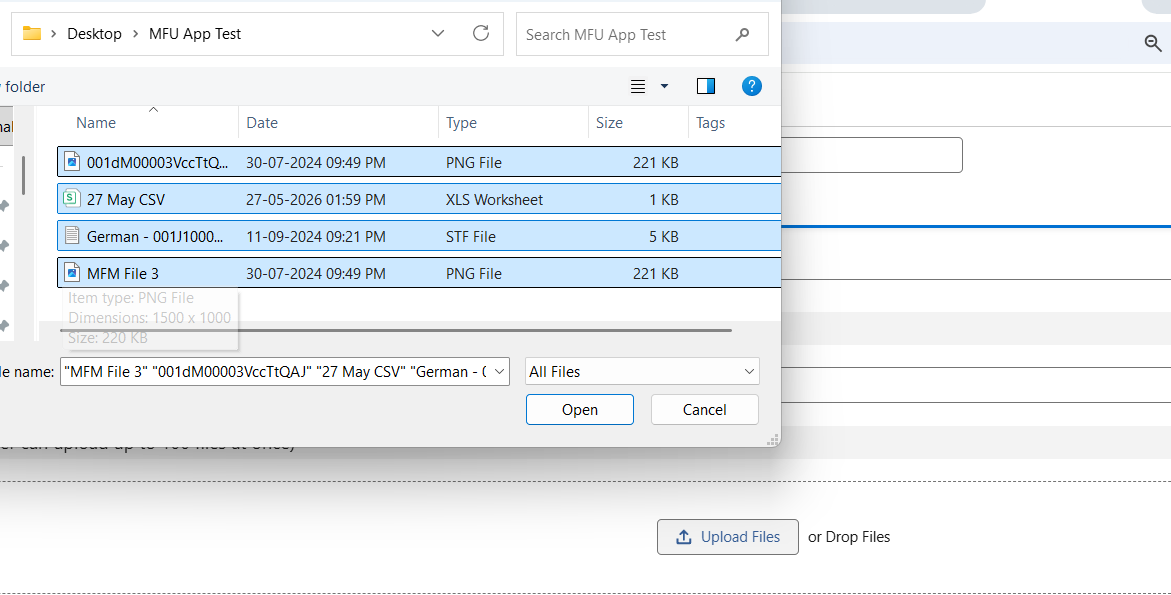
4. Now, upload the files while clicking on the 'Upload Files' button.
5. Turn ON the toggle “Enable Partial File Name Match”.
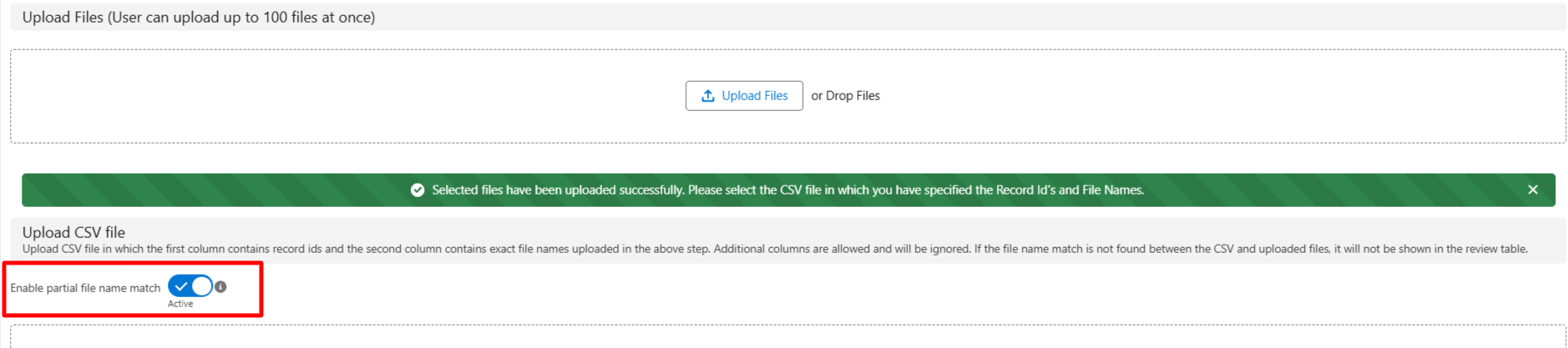
6. Upload the CSV file, which contains the file names related to the files uploaded in Step 4.
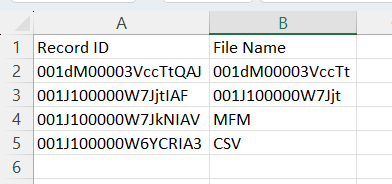
7. Now you will see the table is rendered, and the files are mapped with the correct records. As you can see, the file name in the CSV and the uploaded file did not exactly match their names, but the file was still uploaded to the respective records successfully.