
Here are the steps to open the Debug Console and run a query in Salesforce:
Click the Gear icon (Setup) in the upper-right corner of your Salesforce org.
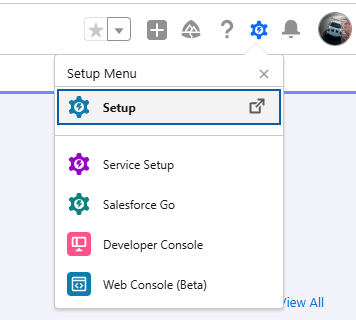
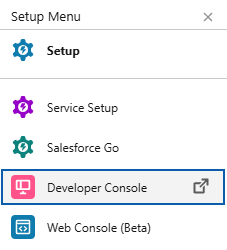
Select Developer Console from the dropdown menu. (A new window will open).
Look at the bottom panel of the Developer Console window.

Click the Query Editor tab located next to Logs, Tests, and Problems.
Enter your SOQL query in the text box
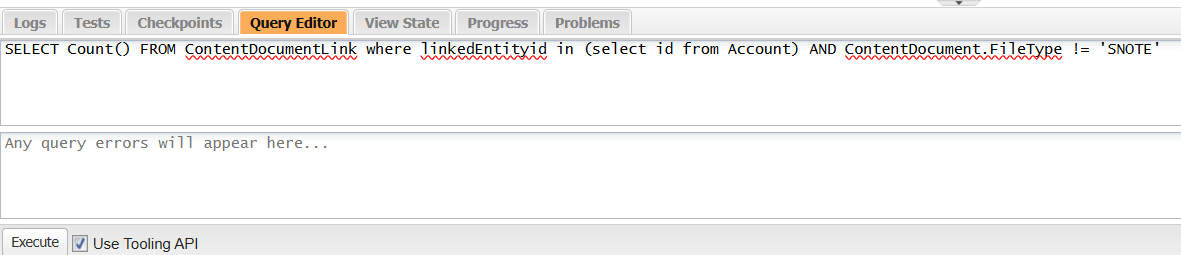
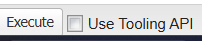
Click the Execute button at the bottom-left of the panel
.
View your query results in the table displayed above the editor tab.

PS: View Mass File Migrate Salesforce file migration app on Salesforce AppExchange:
https://appexchange.salesforce.com/appxListingDetail?listingId=e9874a66-2001-4e3d-8a29-3a2ed7f584c4