The new metadata types are searched the same way as existing ones.
1. Go to the "Metadata Search" tab.
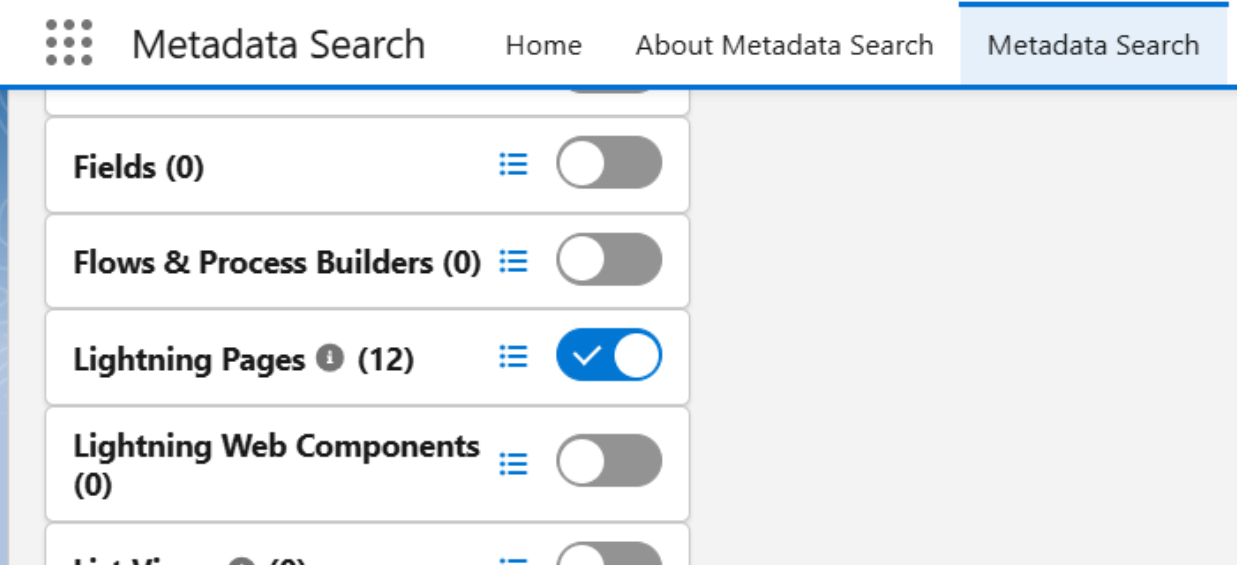
2. Turn on the toggle for the metadata type you want, for example Lightning Pages.
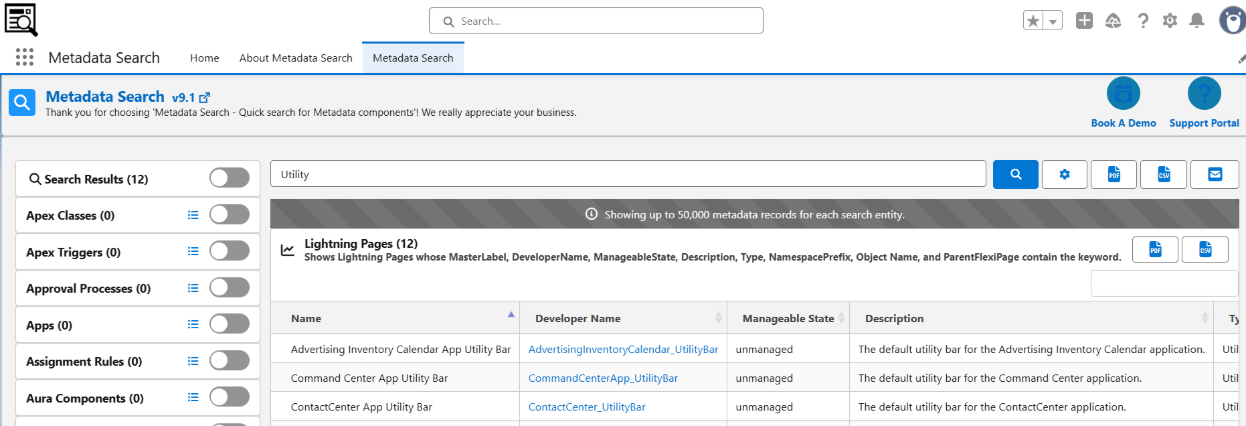
3. Enter your keyword and click Search.
4. Review the results, and export them to PDF or CSV if needed.
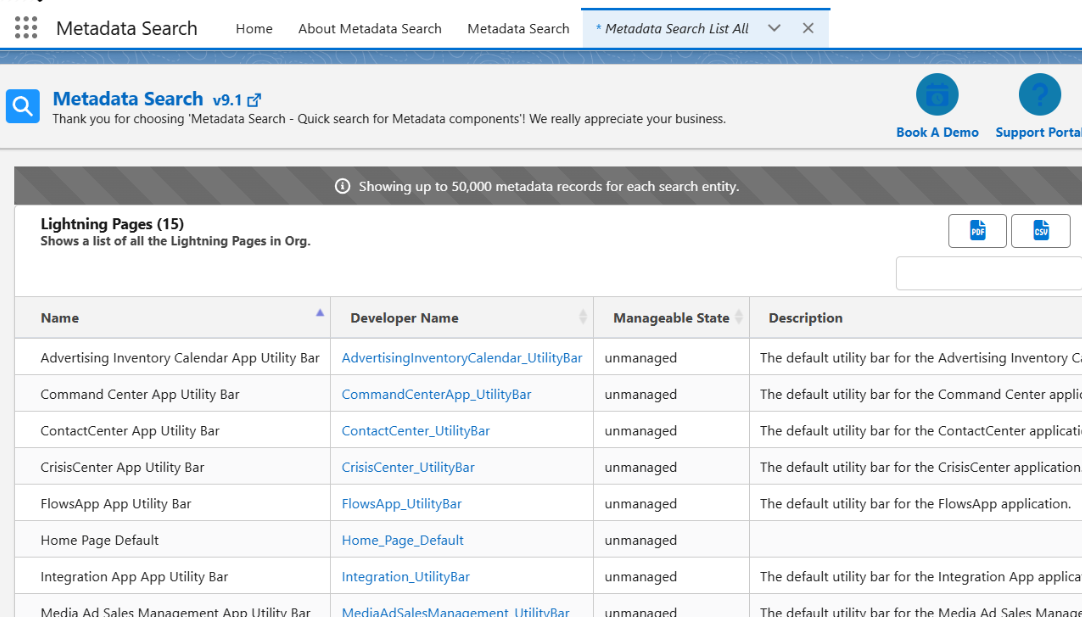
To see every record of a metadata type, click the List All icon next to it.
The new metadata types are also available in the Metadata Search home page component and in the Salesforce Classic sidebar.