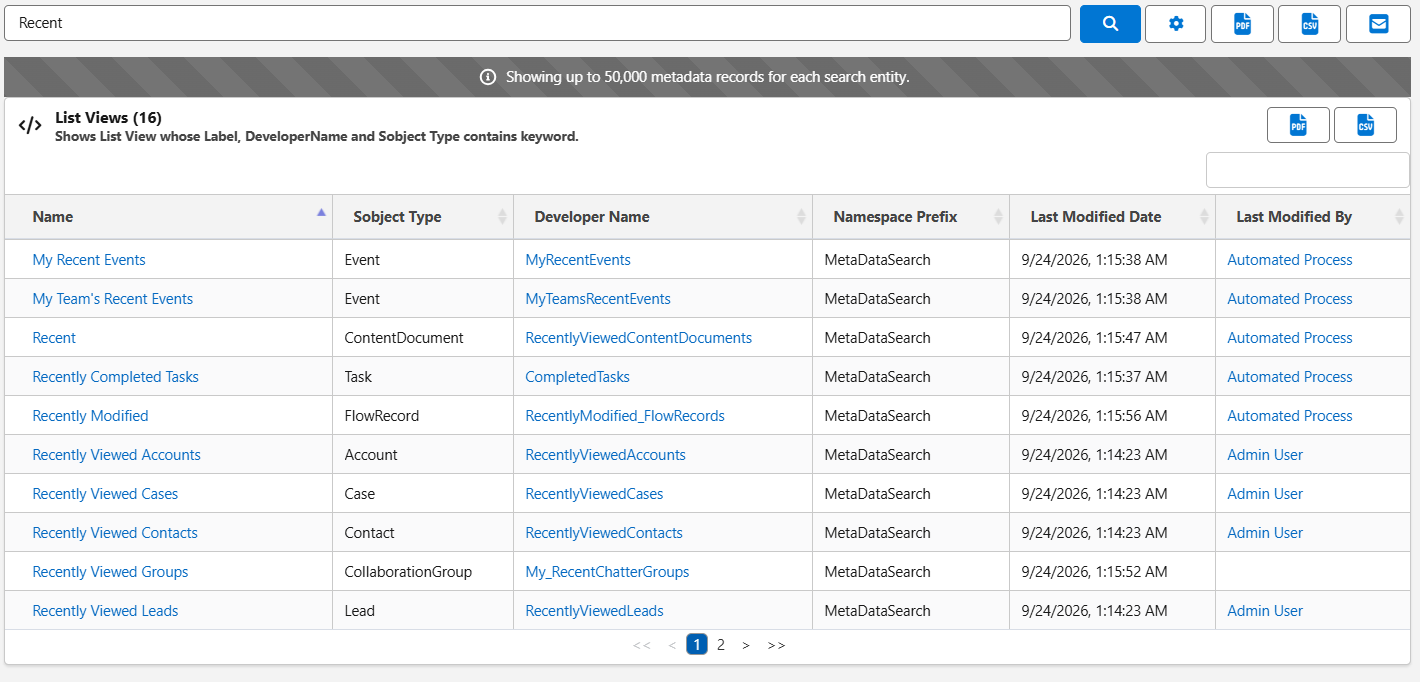
Metadata Search searches inside List Views, including their columns and filters. Use it to find every List View that shows a field or filters on it, before you change or delete that field.
1. Go to the "Metadata Search" tab.
2. Turn on the List Views toggle.
3. Enter the field API name, for example BillingState, and click Search.
The results list every List View that uses the field as a column or in a filter. List View name, API name and object are searched too.