
Yes, you can hide the Notes Tab by following these steps:
- Go to the "About Mass File Download" Tab.
- Under the "Mass File Download Tab Configuration" section, search for the "Show Note Tab" toggle.
- Turn OFF the toggle and click on "Save".

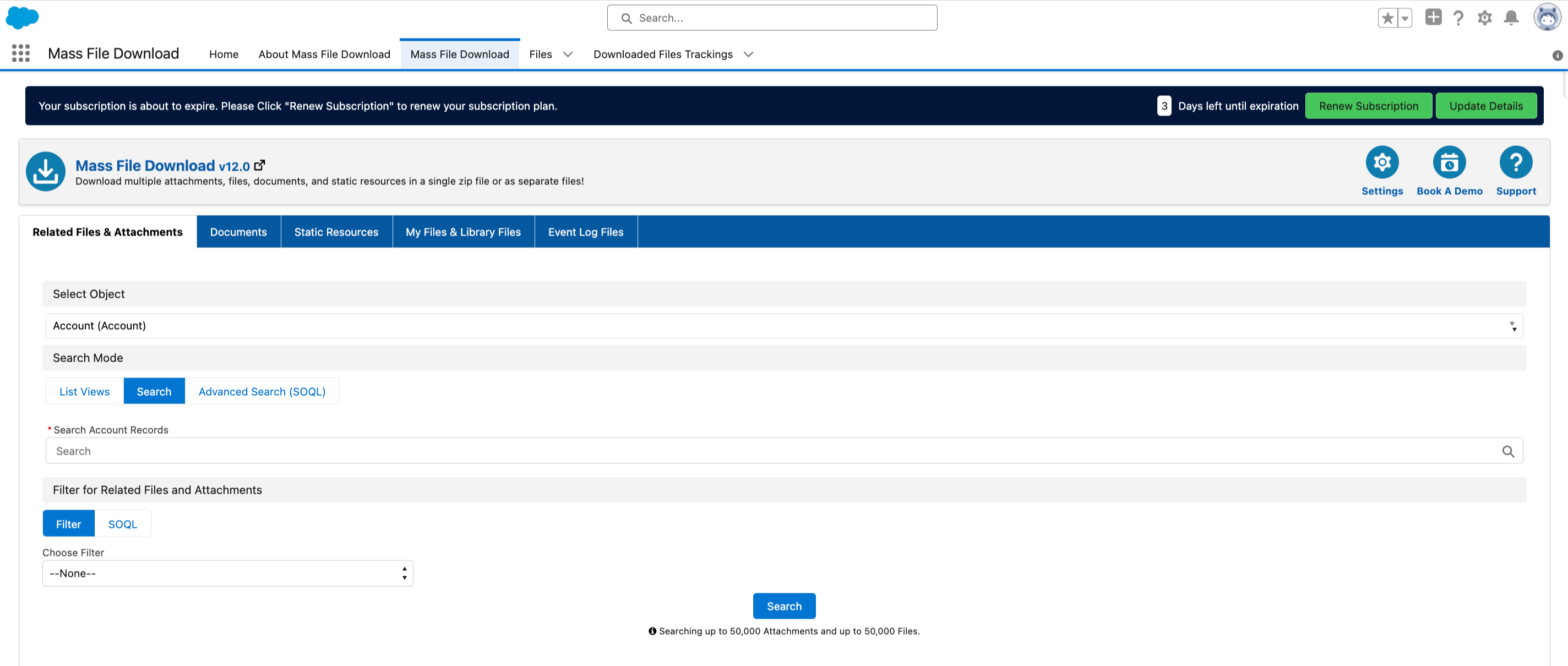
- After the settings are saved successfully, you will see the Notes tab hidden from the Mass File Download.
PS: View Mass File Download, Salesforce file download app on Salesforce AppExchange: https://appexchange.salesforce.com/appxListingDetail?listingId=a0N3A00000EcsAOUAZ